
FEATURED SYSTEM

GoGym — connected fitness operations

GoGym connects a member mobile app with a staff desktop workspace for subscriptions, documents, messaging, notifications, and payment follow-up.

THE CONNECTED PRODUCT

More than a fitness app

GoGym was designed as a connected operational system, not only as a member-facing application. Members use the mobile app to access subscriptions, documents, messages, notifications, and payment-related information. Staff and managers use the desktop workspace to manage clients, subscriptions, documents, communication, and payment follow-up.

The value of the project is the connection between both sides: what members see and what staff operate belongs to the same system.

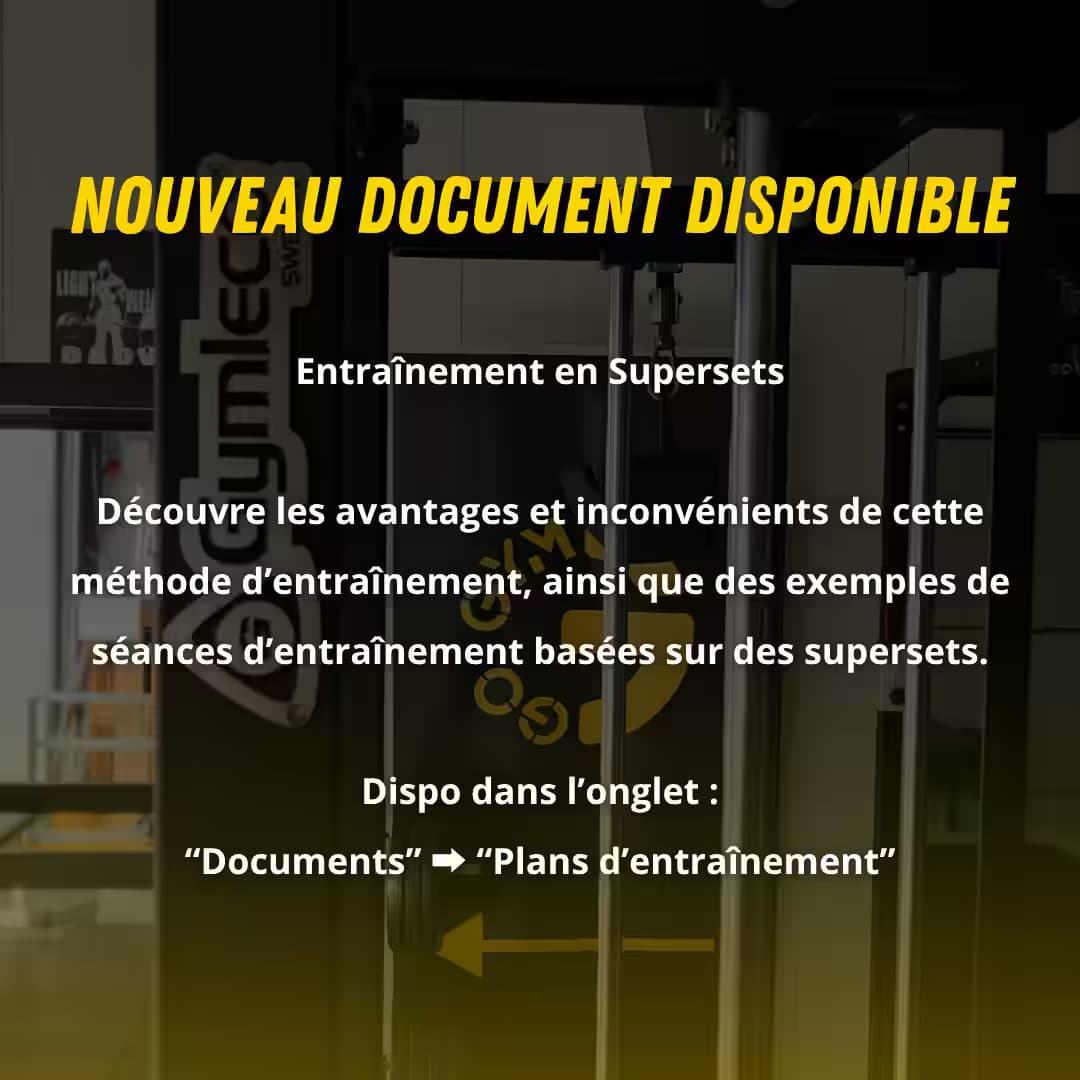
Mobile app — subscription overview
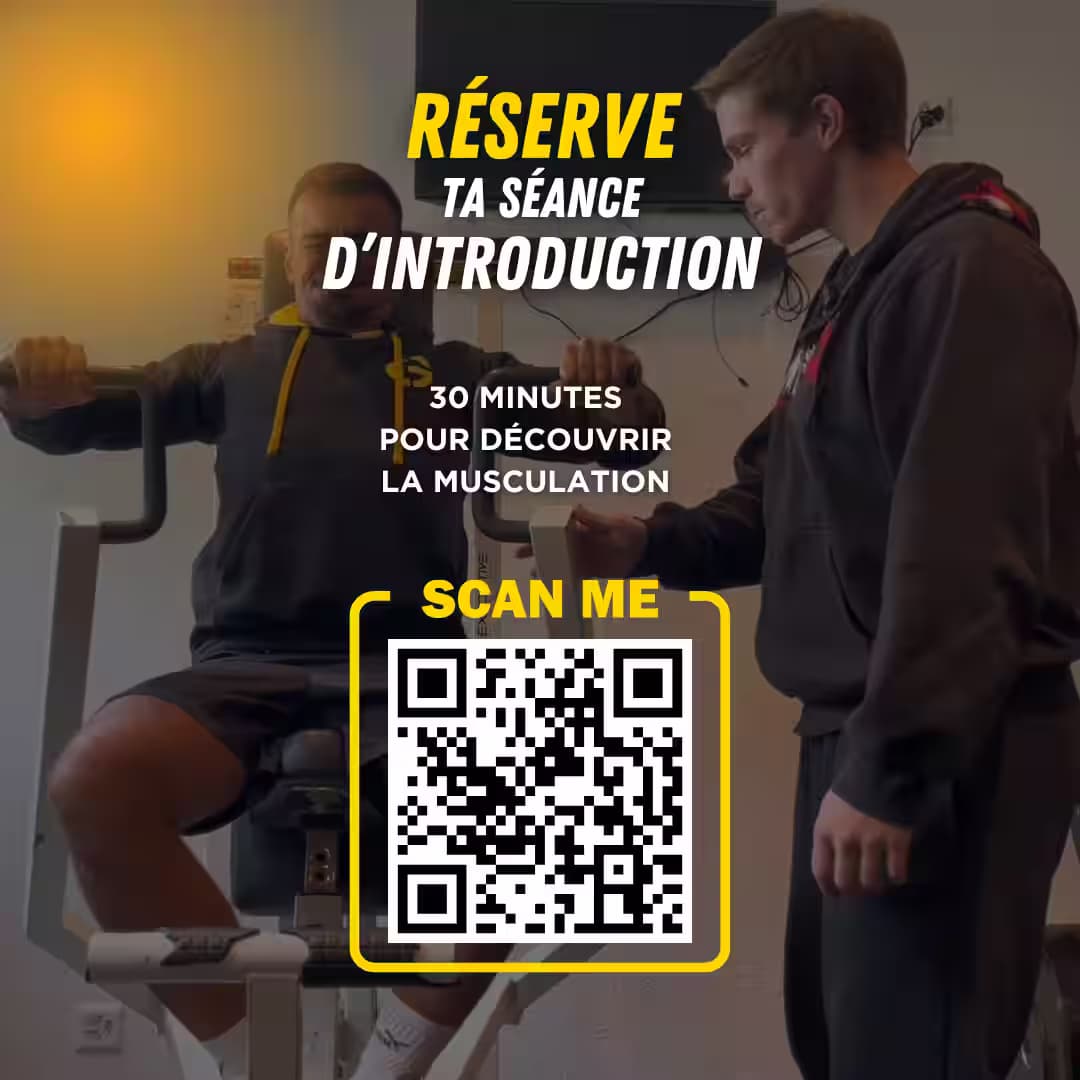
Desktop workspace — client management

SYSTEM AT A GLANCE

Three parts, one connected product

Member interactions, shared services, and staff operations work together as one system.

01

Member mobile app

Subscriptions, documents, messages, and notifications.

02

Shared backend

Data, roles, realtime, storage, and scheduled jobs.

03

Staff desktop workspace

Clients, subscriptions, documents, payments, and operations.

MEMBER EXPERIENCE

Member mobile app

The mobile app gives members access to the information and interactions connected to their gym relationship.

01

Account and profile

Members manage secure access, profile details, and account settings.

02

Subscriptions and payment visibility

Members can view their subscription, payment schedule, and payment history.

03

Documents

Members can browse, search, preview, and read documents directly in the app.

04

Messaging and notifications

Members can receive updates and communicate with the gym from one place.

Mobile app — member home

STAFF OPERATIONS

Staff desktop workspace

The desktop workspace gives staff and managers the tools needed to operate the gym from one interface.

01

Dashboard

Staff can monitor operational indicators and access an overview of gym activity.

02

Client management

Staff manage client records, filters, hall assignment, subscription information, and coaching-related data.

03

Subscriptions and coaching

Staff manage the subscription catalogue and coaching structures from the desktop workspace.

04

Content and documents

Staff manage posts, document categories, uploads, and document details.

05

Messaging

Staff manage conversations, groups, and communication with members.

06

Payment operations

Staff monitor mobile-app transactions, review payment status, and process refunds from the desktop workspace.

OPERATIONAL OVERVIEW

The dashboard brings together information from across the platform so staff can monitor clients, activity, revenue, and payment follow-up from one place.

Staff dashboard and member home

BACKEND FOUNDATION

The foundation behind the product

A shared backend keeps product data, permissions, communication, files, and recurring operations consistent across both applications.

01

Data model

Connected operational records.

02

Access control

Role-aware and hall-aware permissions.

03

Realtime communication

Synchronized member and staff messaging.

04

Storage

Controlled documents, media, and chat files.

05

Scheduled operations

Analytics, reminders, and status checks.

TECHNOLOGY

Technology behind the system

The React Native fitness application works with Electron, Next.js, Supabase, Datatrans, and shared delivery tooling to form one connected fitness technology platform.

  • SupabaseBackend & data
  • ElectronDesktop app
  • Next.jsWeb platform
  • React NativeMobile app
  • ExpoApp delivery
  • TypeScriptShared language
  • GitHub ActionsCI/CD & releases
  • DatatransPayments

COMPLETE PRODUCT DELIVERY

What building GoGym required

This custom fitness software development project required more than interface design. The member app, desktop gym management application, shared backend, data permissions, communication, payments, and deployment had to operate as one system.

01

Coordinating several product surfaces

The member app, staff workspace, and backend had to behave as one product rather than disconnected applications.

02

Designing real operational workflows

Client records, subscriptions, documents, conversations, and payment follow-up had to support daily business operations.

03

Building the technical foundation

The system needed structured data, role-based access, server-side logic, realtime communication, storage, and scheduled operations.

04

Delivering across the full lifecycle

The work covered product definition, interface design, implementation, backend logic, deployment, localization, and ongoing iteration.

Planning a connected product or system?

For products that connect users, internal teams, data, and operational workflows, SynerTech Labs structures the system and defines a realistic technical direction.